E-Commerce
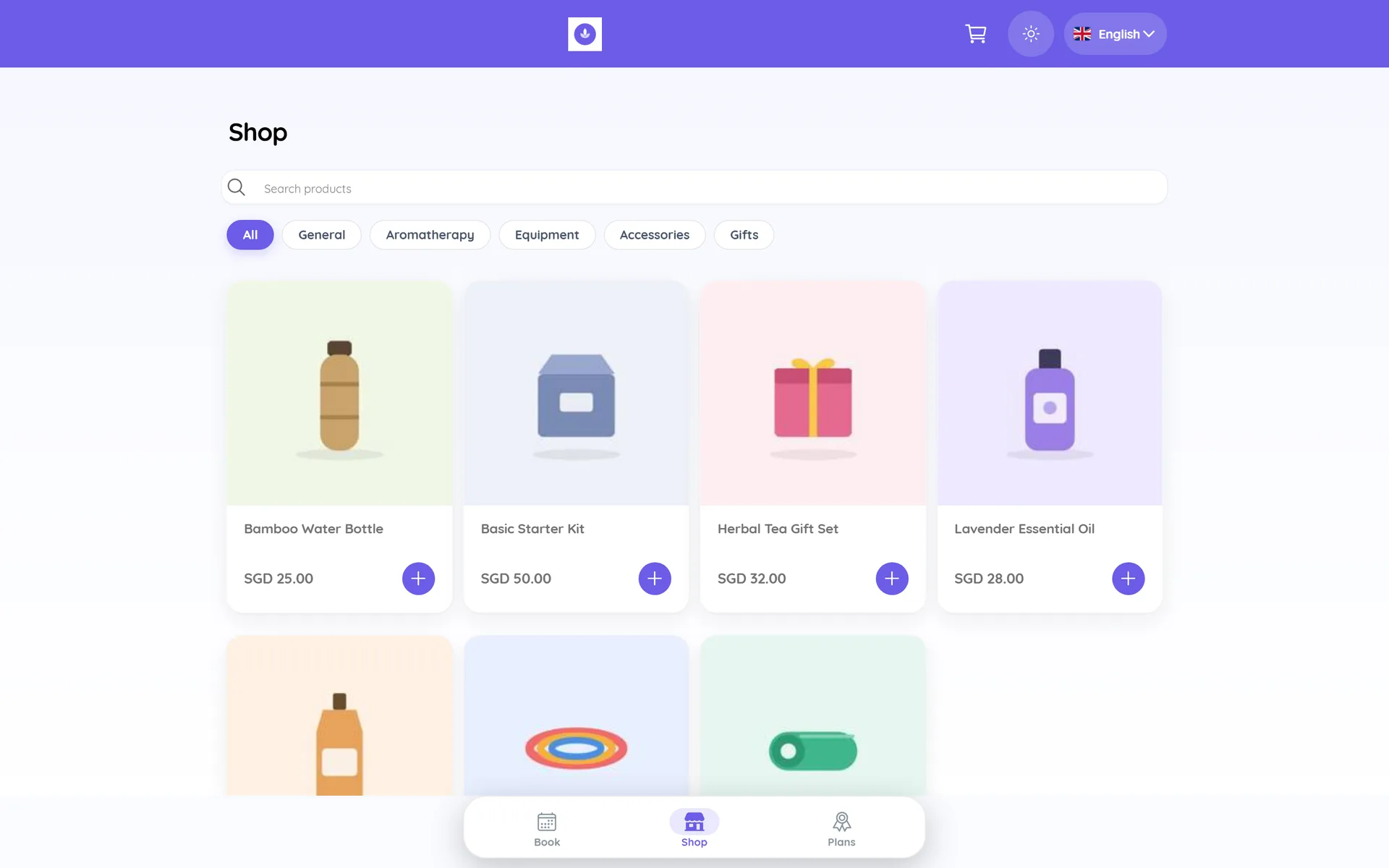
Whautomate gives you your own online store, so you can sell products, class packs and memberships without a separate e-commerce website. Customers shop from a link you share on WhatsApp, social media or your website, pay online, and get order updates on WhatsApp. If you already run a Shopify or WooCommerce store, connect it instead to recover abandoned carts and send order updates. Do the Getting Started steps 1 to 5 first.
Choose your path
- Sell with your Whautomate online store (best if you have no shop website yet): steps 1, 2 and 4.
- Let customers shop inside WhatsApp: add step 3.
- You already have Shopify or WooCommerce: go to step 5, then step 4 for payments in WhatsApp.
1. Products and store settings
- Add products with Available on Online Store, images, sale prices and stock: Products & Inventory
- Set up shipping, taxes and coupons
- Optional: sell class packs and memberships too: Sell Plans and Memberships Online
2. Open the store
- Turn on Sell Products Online (and Sell Plans Online), add your branding and share your store link: Sell Online with Your Online Store
- Manage what comes in: Orders
3. Sell inside chat
- Set up your WhatsApp Catalog and link it with your inventory
- Add the WhatsApp E-Commerce Chatbot, or open the store in the Telegram mini app
- Fill in your WhatsApp Compliance Info and Commerce Settings
4. Payments and order updates
- Connect a gateway: Stripe, Razorpay, MyFatoorah, Thawani Pay, PayTabs or DOKU. Compare them in Setup Payment Gateway.
- Send order confirmations, shipping updates and delivery messages: Automate Order Updates
- Ask for reviews after delivery: Automate Order Reviews & Surveys
5. Shopify or WooCommerce
- Connect your store: Shopify or WooCommerce
- Turn on the ready-made automations: abandoned carts, cash-on-delivery confirmations and order updates
6. Grow repeat sales
- Send offers and new arrivals to the right group: Segmentation & Broadcasts and Marketing Opt-out Management
- Reward repeat customers: Loyalty Program
You are live when a customer can open your store link, pay online, and get an order confirmation on WhatsApp, and your team sees the order in Finance > Orders.