Classes & Memberships
If you run a yoga studio, fitness centre, wellness programme or education business, this track gets you taking class bookings online and on WhatsApp, with waitlists, reminders and attendance in one place, and class packs and memberships that clients spend as credits. Do the Getting Started steps 1 to 5 first. Each step links to a full guide.
1. Your instructors and hours
- Set your opening hours and holidays: Business Hours and Holidays
- Add your instructors and their hours: Setup Team Member Profile
2. Classes
- Create class services and schedule one-off or recurring sessions: Setup Classes (or Bulk Import Classes)
- Set the waitlist, booking window and cancellation cut-off: Appointment Settings
- Save regular groups: Setup Class Batches
- Take attendance: Manage Class Participants
3. Online booking
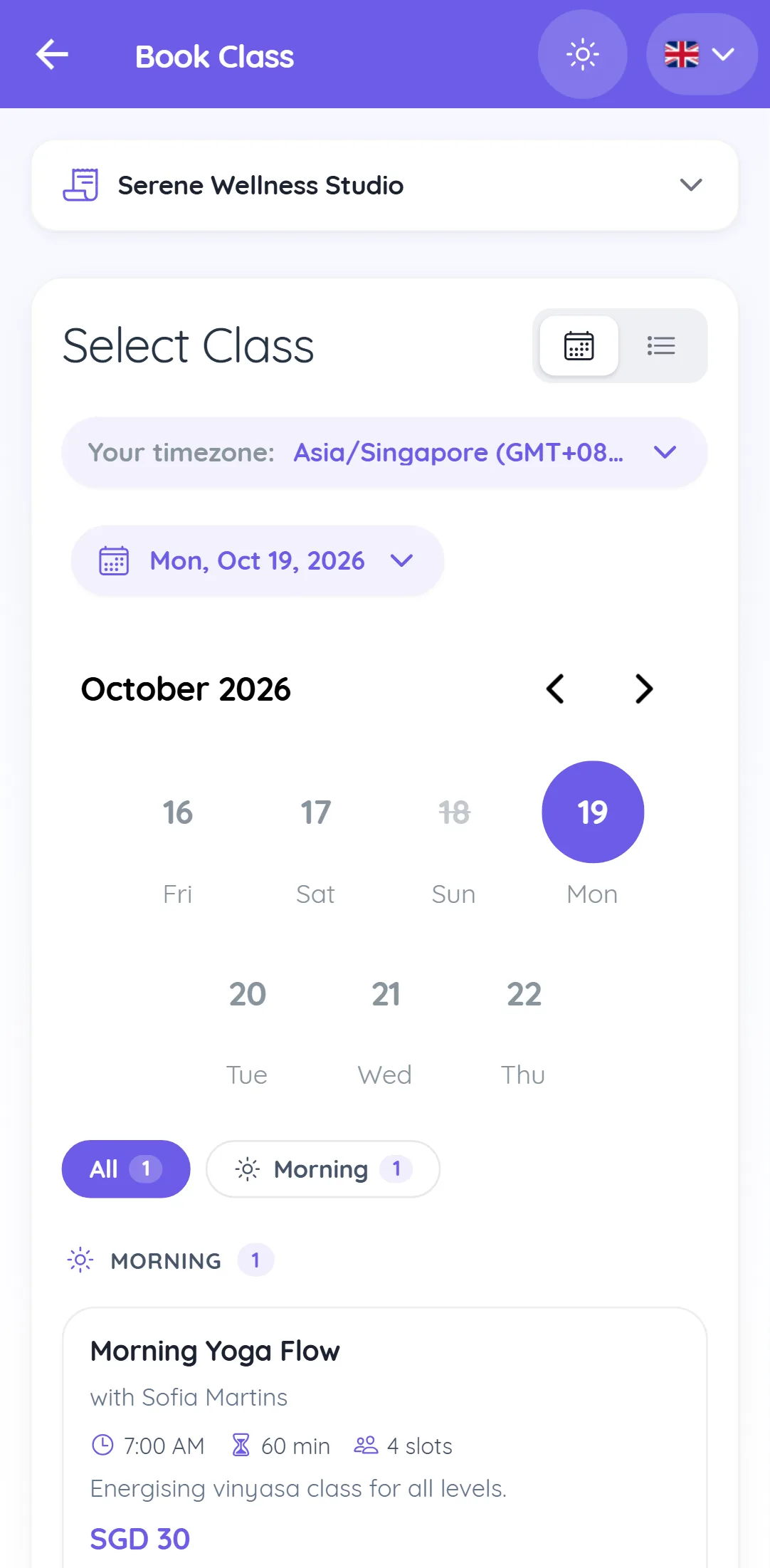
- Open class booking on your booking page: Setup Class Booking Portal
- Let clients book in chat: WhatsApp Flow Class Booking Chatbot, the AI Booking Chatbot or the Telegram mini app
- Send class confirmations, waitlist updates and reminders: Setup Class Notifications, and one summary for series and batches with Bulk Class Notifications
4. Payments, class packs and memberships
- Connect a payment gateway: Setup Payment Gateway
- Charge when clients book: Online Payment at Booking
- Create class packs (session packs or a credit balance) and recurring memberships: Plans & Memberships
- Sell them on your online store and let clients see their credits: Sell Plans and Memberships Online
5. Keep the studio full
- Remind clients whose pack is running low or whose membership renews: Automation Rules
- Announce new classes to the right group: Segmentation & Broadcasts and Marketing Opt-out Management
You are live when a client can buy a class pack, book a class with their credits on your booking page or in WhatsApp, join the waitlist when it is full, and get a reminder before class.