Razorpay
Razorpay lets clients in India pay by UPI, NetBanking, cards and wallets. You connect by authorising your Razorpay account from Whautomate; there are no keys or webhooks to set up. Payments settle into your Razorpay account.
Before you start
- You need the Administrator or Owner role.
- Have an activated Razorpay account.
Connect Razorpay
-
Go to Settings > Finance > Payment Gateways.
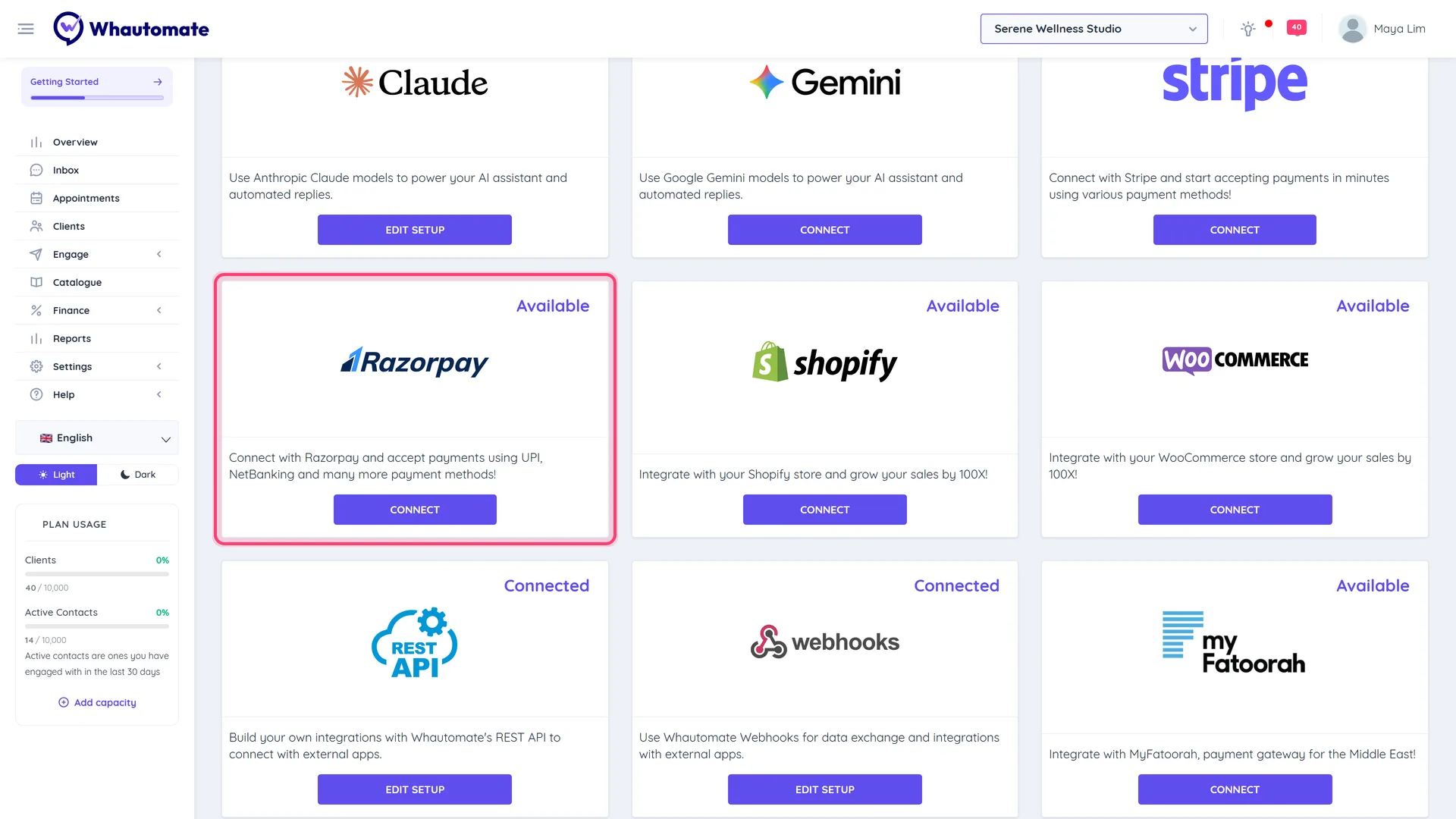
You can also click Connect on the Razorpay card in Settings > Integrations.
-
On the Razorpay row, click Connect with Razorpay.
-
Sign in to Razorpay and allow access.
-
You return to Payment Gateways with the message "It will take a few minutes to confirm activation to start accepting payments."

If you see "You have either not authorized your razorpay account or there is some issue", try again and approve access, or contact support.
Test it
Send yourself a small invoice with Request payment via WhatsApp and pay it. See Setup Payment Gateway.
Disconnect
Click Disconnect Razorpay and confirm.
Good to know
Refunds recorded on an invoice do not refund the payment in Razorpay. Refund it in your Razorpay dashboard too.