Google Meet
Connect Google Meet to create a Meet link automatically whenever an online (virtual) appointment is booked. The meeting is added to the team member's Google Calendar, the link is saved on the booking, and you can send it in your confirmation and reminder messages.
Google Meet is connected per team member: each person connects their own Google account, and bookings with that person use it.
Before you start
- A Google account with Google Calendar for each team member who takes online appointments.
- At least one online service. See Setup virtual online session services.
- Zoom and Google Meet are either/or for a location: if Zoom is connected, online bookings get a Zoom meeting instead. Disconnect Zoom to use Google Meet.
Connect Google Meet
Each team member does this while logged in as themselves. You cannot connect Google Meet for someone else.
-
Go to Settings > Integrations and click Connect on the Google Meet card.
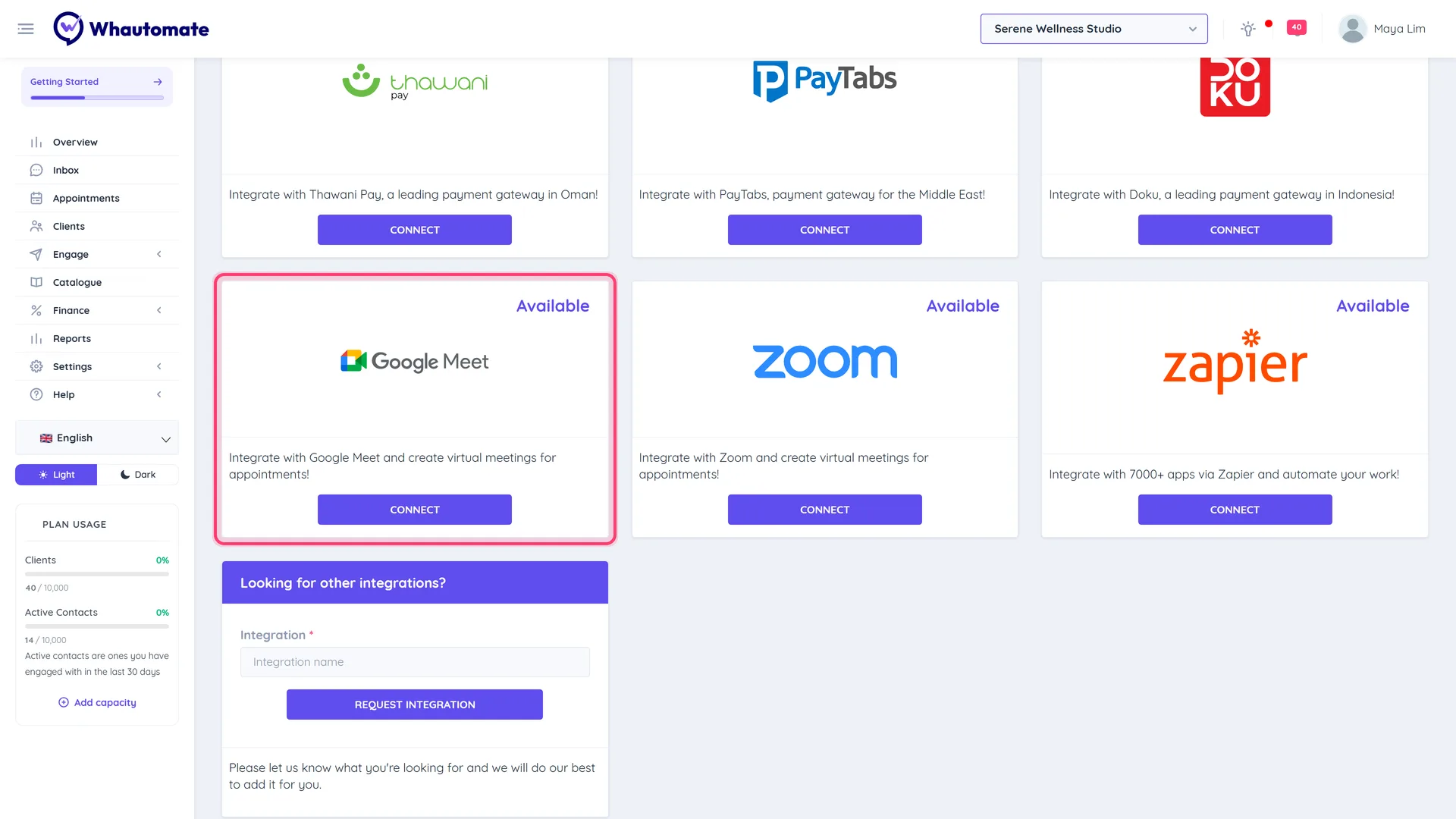
-
Your own team member profile opens on the Calendar Integrations tab. Under Google Meet, click Connect Google Meet.
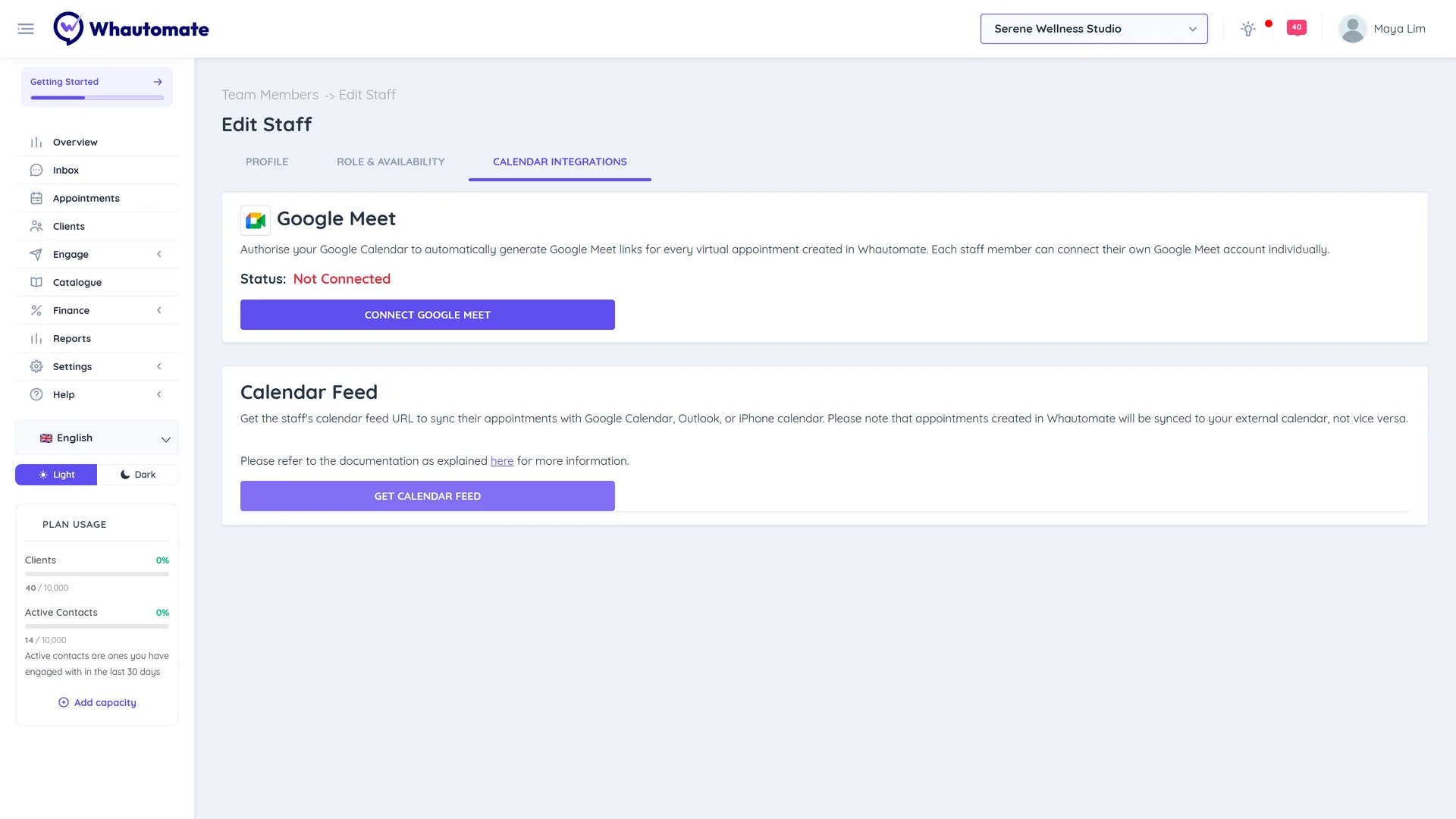
-
Sign in to Google and allow access to your calendar.
-
You come back to the profile and see Google Meet connected successfully! The status shows Connected.
You can also open the same tab from Settings > Team Members: open ACTIONS > Edit Profile for yourself and choose Calendar Integrations.
What happens for each booking
- When an online appointment is booked with a connected team member, a Google Calendar event with a Meet link is created in their calendar. The title is the service, its length and the client's name.
- If the client has an email address, they are added as a guest, so Google also sends them the invitation.
- Rescheduling the appointment moves the event. Cancelling it deletes the event.
- Bookings with a team member who has not connected Google Meet get no meeting link.
To send the link to clients, see Setup virtual online session notifications.
Reconnect or disconnect
On your Calendar Integrations tab:
- Reconnect Google Meet signs in again, for example after changing your Google password or removing access in your Google account.
- Disconnect (then confirm) removes the connection. New online bookings with you no longer get a Meet link; events already in your calendar stay there.