Taxes
Taxes let you charge GST, VAT or sales tax on what you sell. Add each tax rate once, then apply it to all services, all products, or individual items. The tax is calculated on invoices, online bookings and store orders and shown as its own line.
Add a tax
- Go to Settings and, under Finance, click Taxes.
- Click Add New Tax.
- In New Tax, enter the Tax Name (for example GST) and Tax Rate (for example 9).
- Turn on Apply to All Services and/or Apply to All Products if the tax applies to everything.
- Make sure Status is on, then click Save.
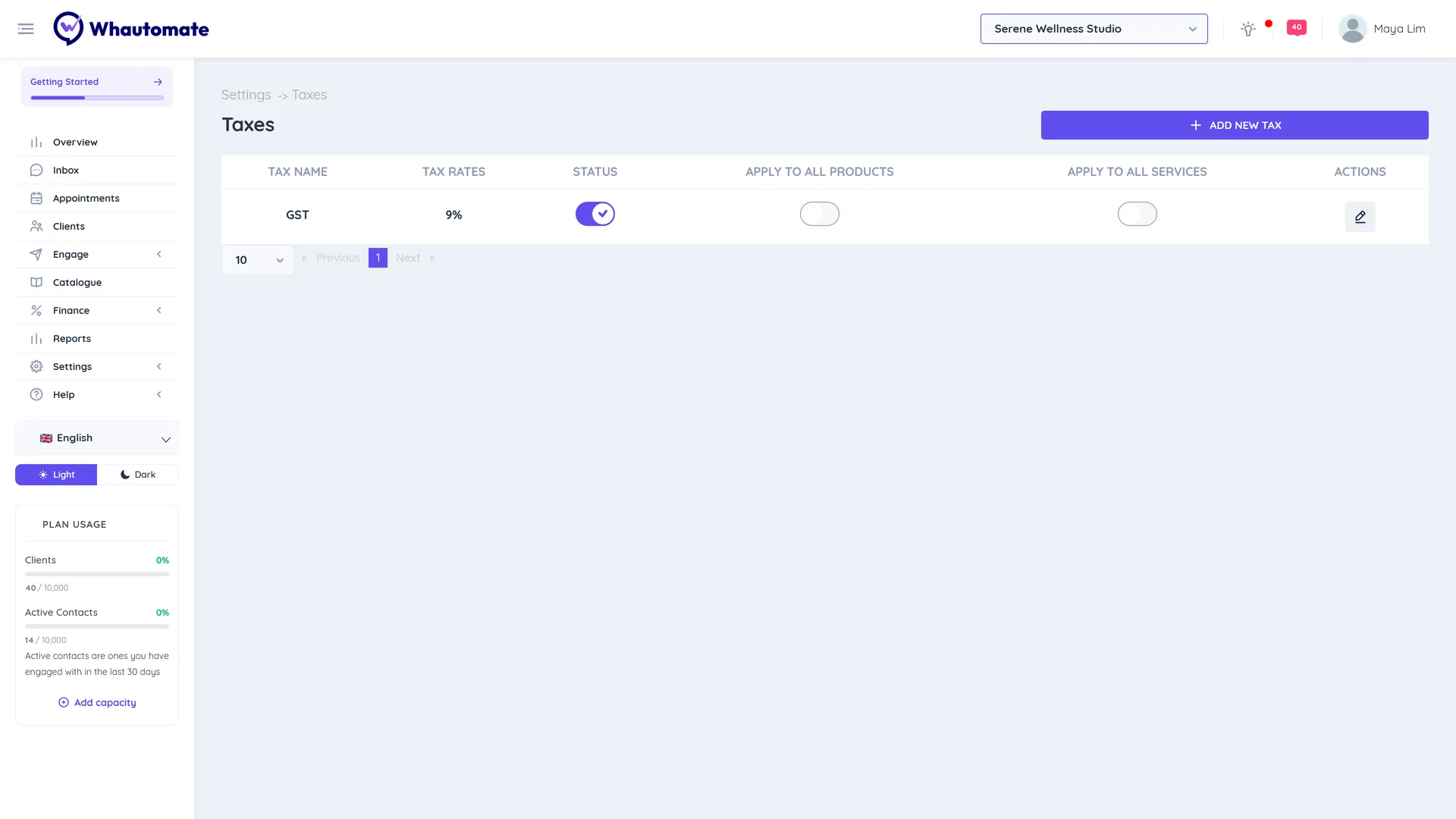
Manage taxes
The Taxes list shows Tax Name, Tax Rates, Status, Apply to All Products and Apply to All Services.
- Switch Status to stop or start using a tax.
- Switch Apply to All Products or Apply to All Services to add or remove the tax on every item at once. You are asked to confirm.
- Click Edit Tax to change the name or rate.
You can also choose a tax per line when you create an invoice, or leave it as No Tax.