# Classes

## Onboarding Checklist for Classes

## 1. WhatsApp Integration

<figure><img src="https://lh7-rt.googleusercontent.com/docsz/AD_4nXcp9PKYXAbMcUq3yW5e5i0svh2gMGZcyAn4Q_H4n54Ur1qvP9j5LSUlaMmEMJMU_mgKkil8jib4N651KTHIACJ4DULyO-jNp0EPX0PH5kpejWhVKUeG9pBAG7eUmrimYwkiKXmxIA?key=Oq_gVMEW5waQseeFRsLTBfxl" alt=""><figcaption></figcaption></figure>

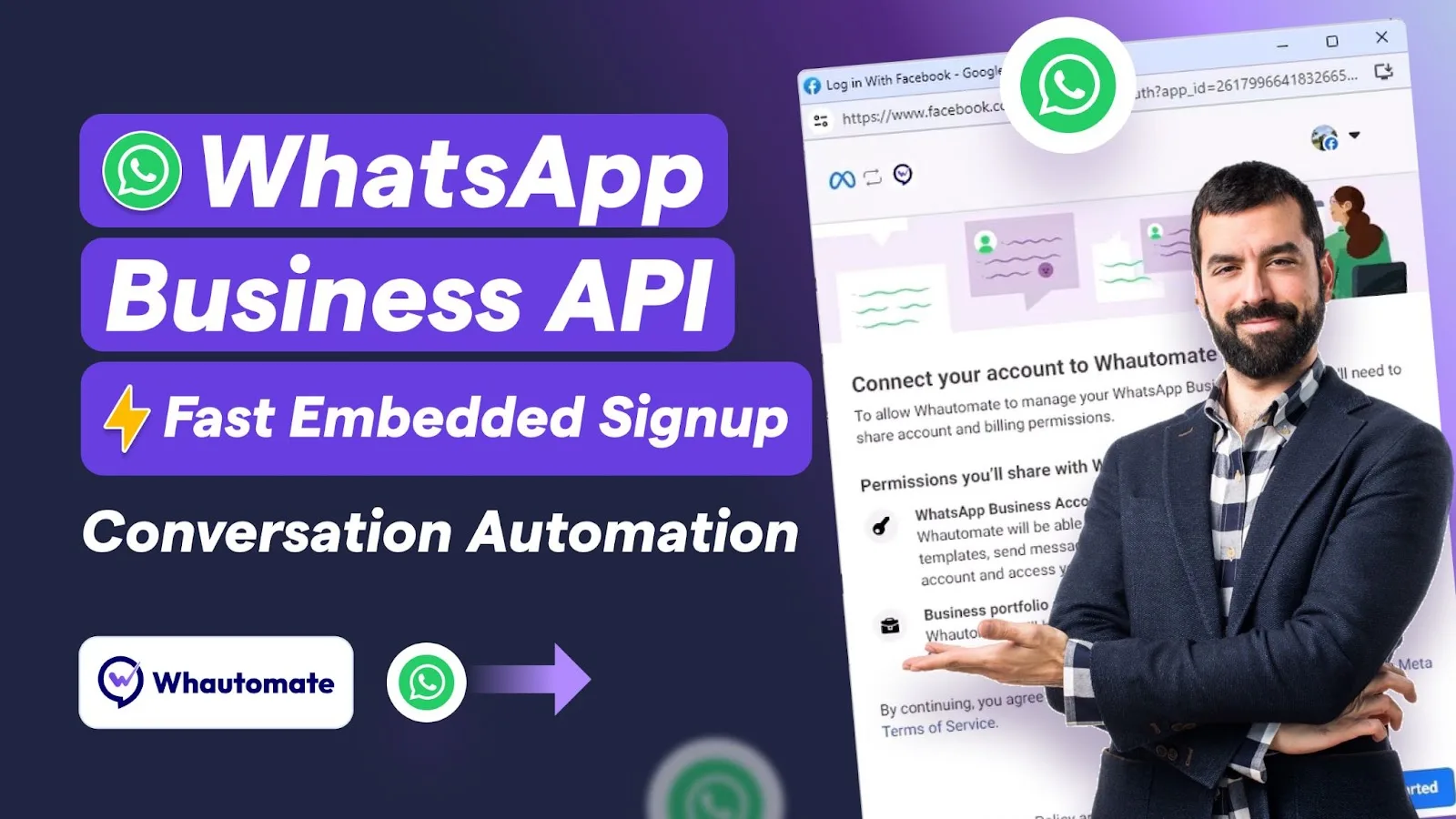
* Connect your WhatsApp business number with Whautomate:\
  [WhatsApp Integration Guide](https://help.whautomate.com/product-guides/integrations/whatsapp-cloud-api)
* Meta WhatsApp Payment Method:\
  [WhatsApp Payment Method Guide](https://help.whautomate.com/product-guides/integrations/whatsapp-cloud-api/whatsapp-payment-method)

{% hint style="warning" %}
**Important Note:**\
After integrating WhatsApp, you must update the **Meta WhatsApp Payment Method.** Without this update, you won’t be able to send WhatsApp template messages to your customers.
{% endhint %}

* Meta Business Verification:\
  [Meta Business Verification Guide](https://help.whautomate.com/product-guides/integrations/whatsapp-cloud-api/meta-business-verification)
* Update your WhatsApp business profile:\
  [WhatsApp Profile Guide](https://help.whautomate.com/product-guides/integrations/whatsapp-cloud-api/whatsapp-profile)

## 2. Classes Setup

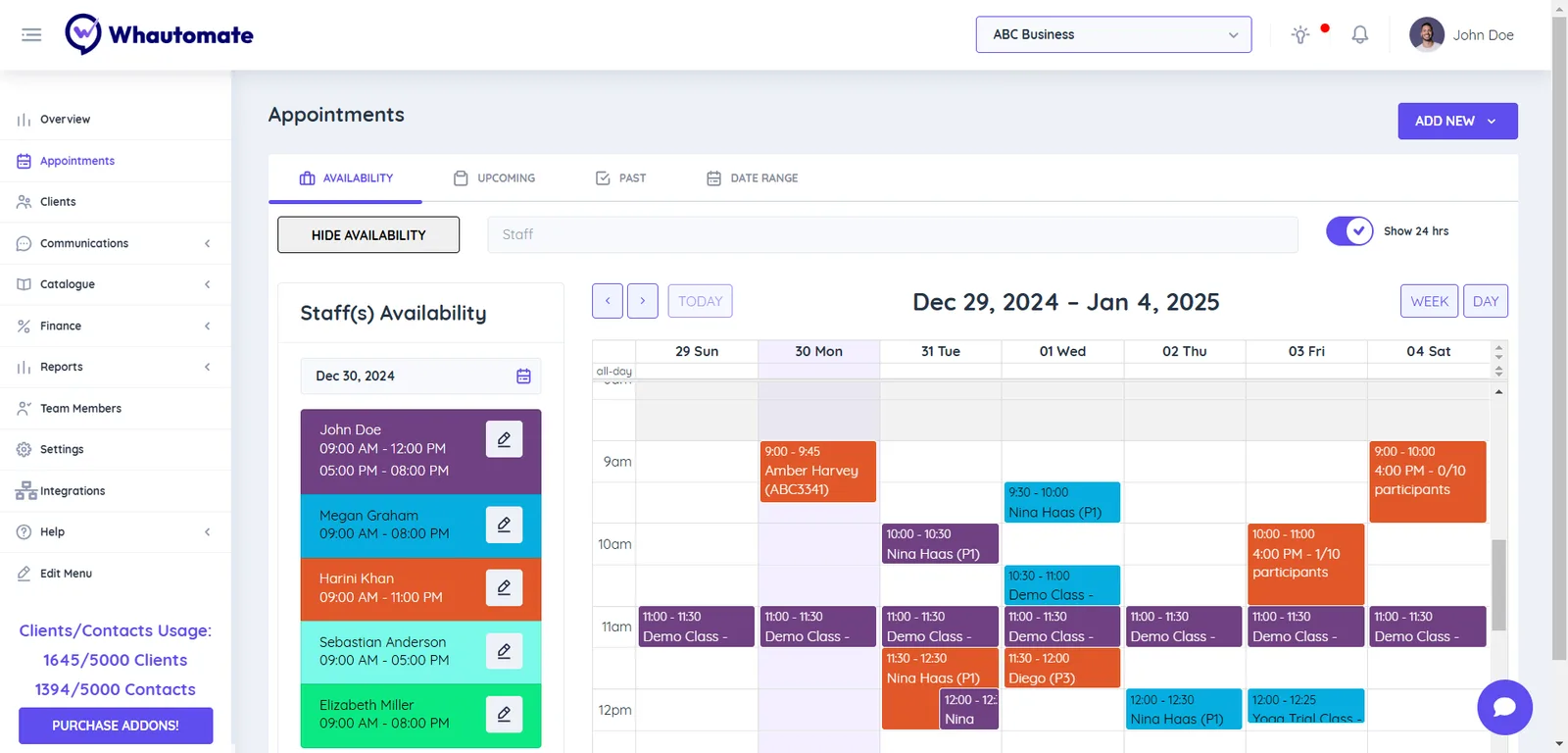
If your business needs an effortless way to schedule and manage classes or create an online booking page, this guide has you covered.

<figure><img src="https://810714386-files.gitbook.io/~/files/v0/b/gitbook-x-prod.appspot.com/o/spaces%2FF8vuadG7OJ1fFdSBZATv%2Fuploads%2FcBZJFLHXTHfq8PWhLWZl%2Fimage.png?alt=media&#x26;token=5acb1cf9-9fa2-463c-a235-091522d935f3" alt=""><figcaption></figcaption></figure>

Follow this guide to set up the following:

* [Team Member Profile and Availability](https://help.whautomate.com/product-guides/appointments/setup-team-member-profile)
* [Setup Classes](https://help.whautomate.com/product-guides/class-bookings/setup-classes)
* [Setup Class Booking Portal](https://help.whautomate.com/product-guides/class-bookings/setup-class-booking-portal)

## 3. WhatsApp Class Booking Chatbot & Automation Setup

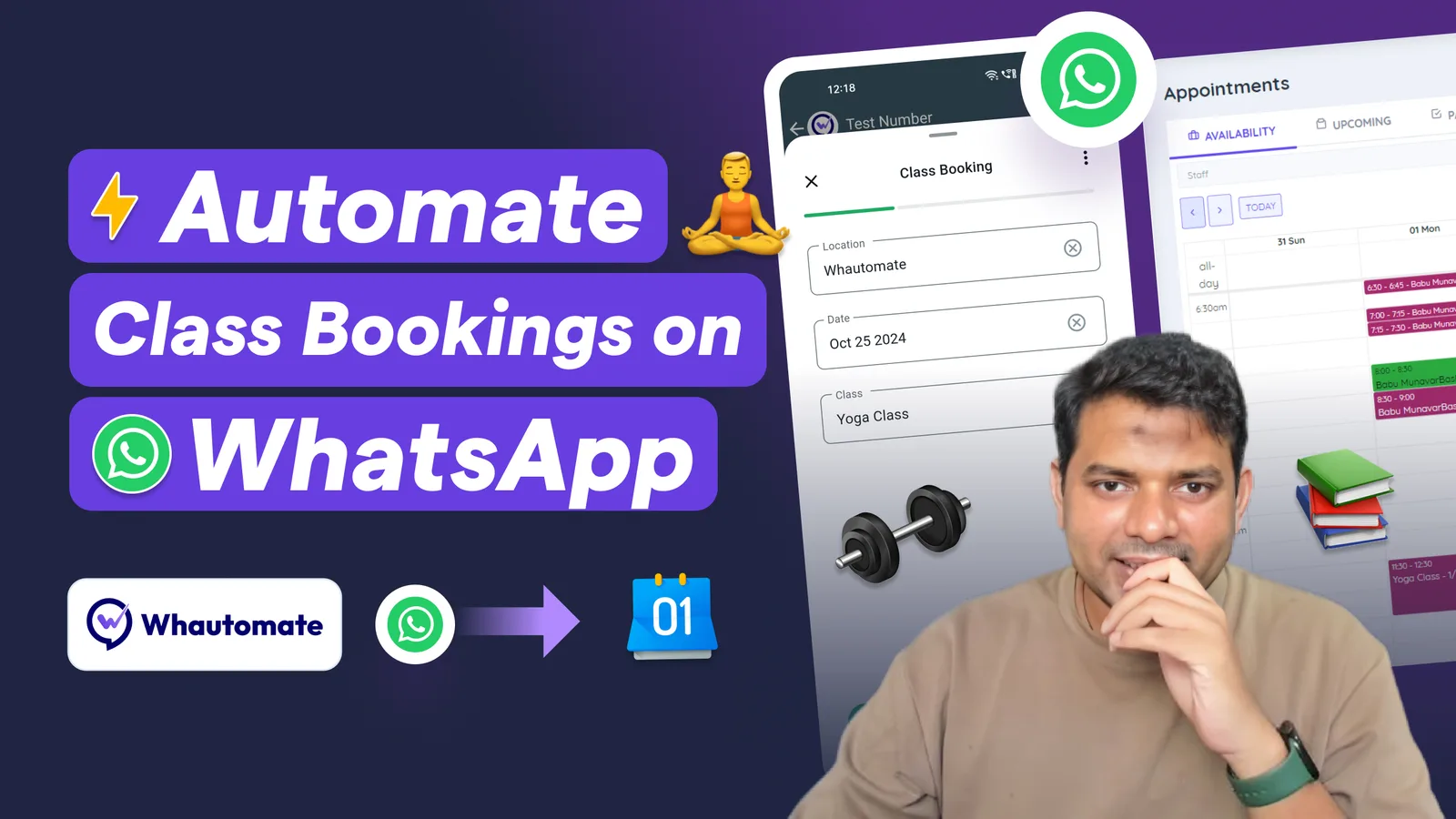
If you run a business that wants to let customers book classes via WhatsApp, you can easily collect payments, send class updates, and gather feedback—automatically!

<figure><img src="https://810714386-files.gitbook.io/~/files/v0/b/gitbook-x-prod.appspot.com/o/spaces%2FF8vuadG7OJ1fFdSBZATv%2Fuploads%2FuOFWE1WWlF5pyH2NYFUX%2FMulti%20Location%20Class%20Booking%20Bot.jpg?alt=media&#x26;token=f9907a2e-e6d5-4e86-9e28-276fd0725395" alt=""><figcaption></figcaption></figure>

Follow these steps to set up:

* [Setup Class Booking Chatbot](https://help.whautomate.com/product-guides/class-bookings/setup-whatsapp-flow-class-booking-chatbot)
* [Setup Class Notifications](https://help.whautomate.com/product-guides/class-bookings/setup-class-notifications)
* [Setup Bulk Class Notifications](https://help.whautomate.com/product-guides/class-bookings/setup-bulk-class-notifications-for-participants)

## 4. Payment Gateway Integration

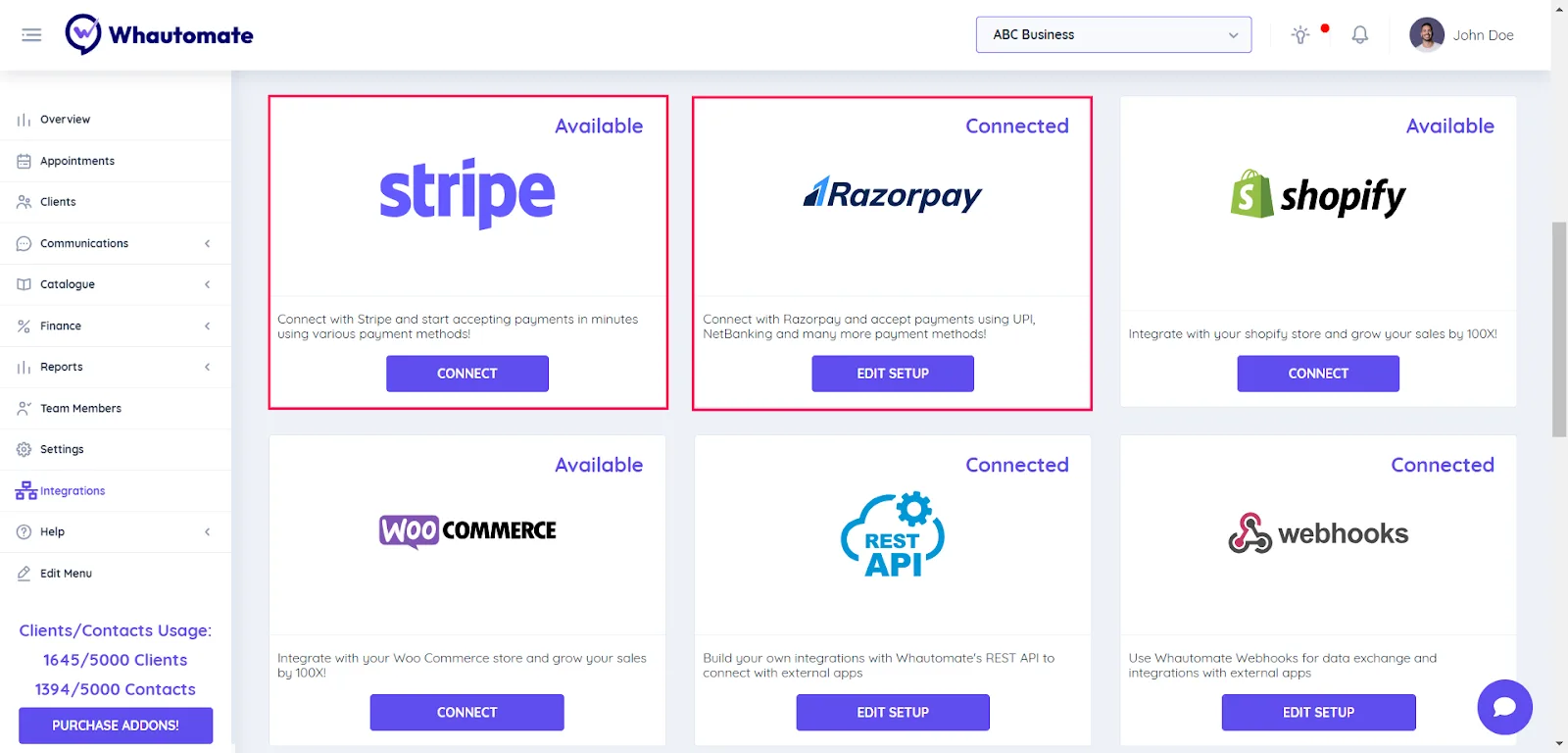
Easily collect payments for class bookings made on WhatsApp by integrating your preferred payment gateway.

<figure><img src="https://lh7-rt.googleusercontent.com/docsz/AD_4nXdcSI8YQ9VQtZXUUl-MVFeU4JdXqAx1ZvxJQiOPy63wDMrOQv7B0P3Cq-mO-3C8EDAsqBEW4v4LIycyf79ZpYyLWvX2RD3zXJTv9dr4MjaoPCFZwtPaNHtSNz2-VpcBCGIku9NJ5w?key=Oq_gVMEW5waQseeFRsLTBfxl" alt=""><figcaption></figcaption></figure>

**Connect your payment gateway with Whautomate:**

* Stripe Integration:\
  [Stripe Integration Guide](https://help.whautomate.com/product-guides/integrations/stripe)
* Razorpay Integration:\
  [Razorpay Integration Guide](https://help.whautomate.com/product-guides/integrations/razorpay)
* MyFatoorah Integration (Middle East Country):\
  [MyFatoorah Integration Guide](https://help.whautomate.com/product-guides/integrations/myfatoorah)

## 5. WhatsApp Marketing

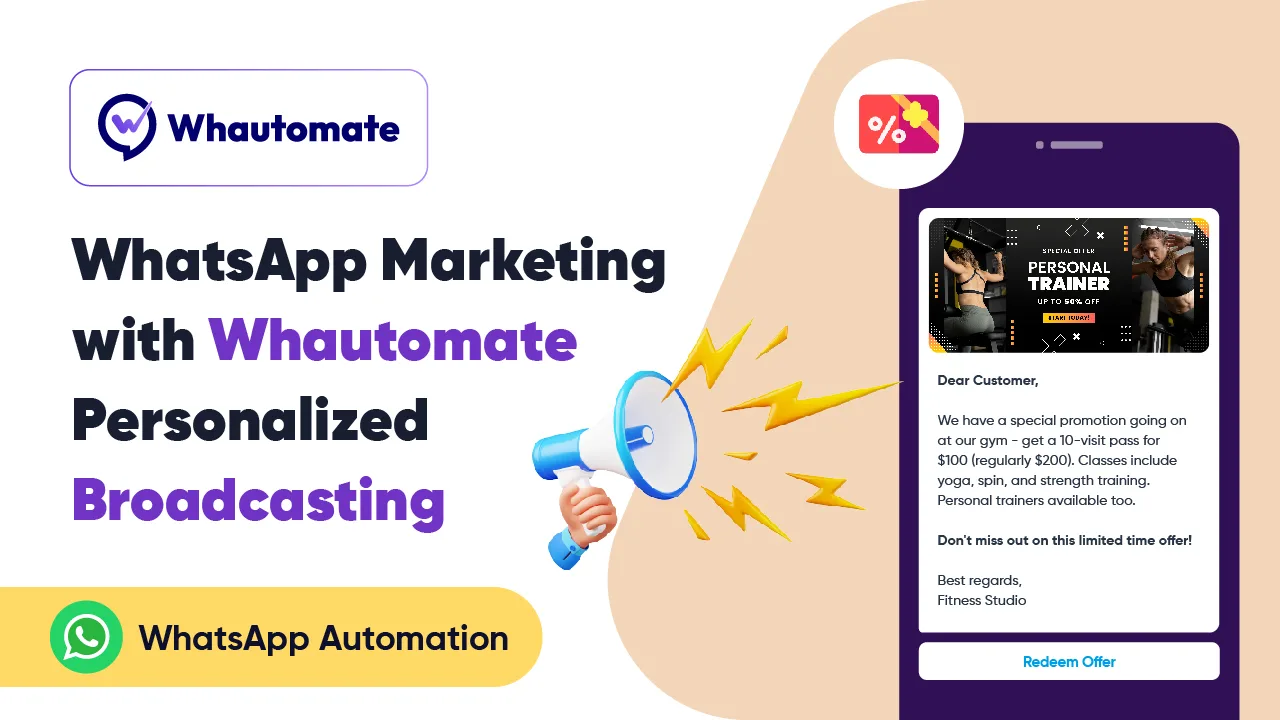
Boost your bookings by segmenting your audience into targeted groups and using broadcasts to send personalized offers and updates.&#x20;

<figure><img src="https://lh7-rt.googleusercontent.com/docsz/AD_4nXc9QYvZGw2h-tQI9oNHfCQNyfbuYArPcDzvF-poMIp-81WdzcbfV5puwwxS81wPdTNB4F6dBc9w28riWKE3BEZzGGVL-kzF7uplVY2G0P1imGdMhA4iRD9XSFZFSE3wjEGW3V3cNA?key=Oq_gVMEW5waQseeFRsLTBfxl" alt=""><figcaption></figcaption></figure>

* Setup Segmentation & Broadcasts: \
  [Segmentation & Broadcasts Guide](https://help.whautomate.com/product-guides/communication/segmentation-and-broadcasts)
* Marketing opt-out Management: \
  [Setup Marketing Opt-out Management Guide](https://help.whautomate.com/product-guides/communication/marketing-opt-out-management)

## 6. Download the Whautomate Mobile App <a href="#step-4-download-our-mobile-app" id="step-4-download-our-mobile-app"></a>

Please follow the links to download our native mobile app to experience the omni-channel team inbox.

{% embed url="<https://apps.apple.com/us/app/whautomate-business/id6760578722>" %}

{% embed url="<https://play.google.com/store/apps/details?id=com.whautomate.business>" %}

{% hint style="info" %}
Use the same login for the mobile app that you used during the new signup.
{% endhint %}


---

# Agent Instructions: Querying This Documentation

If you need additional information that is not directly available in this page, you can query the documentation dynamically by asking a question.

Perform an HTTP GET request on the current page URL with the `ask` query parameter:

```
GET https://help.whautomate.com/fundamentals/onboarding-checklist/classes.md?ask=<question>
```

The question should be specific, self-contained, and written in natural language.
The response will contain a direct answer to the question and relevant excerpts and sources from the documentation.

Use this mechanism when the answer is not explicitly present in the current page, you need clarification or additional context, or you want to retrieve related documentation sections.